well there are android apps available in the market which can help you out....these apps also has widgets that lets u lock ur screen while tapping on icon... here is my list...
note- some users complains about not working these methods..but i suggest you while clearing your ram always keep eye that your unlocking screen app doesn't get stopped.
also some apps uses sensors ..so to get these apps to work u should have that sensor
-i don't have detailed knowledge about sensors ;)
1. fix broken power

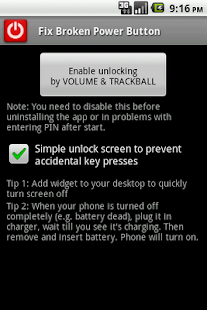
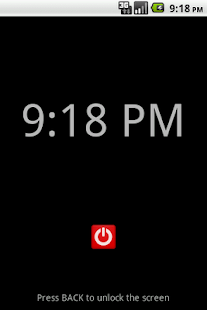
this app doesn't requires root and u can unlock screen with your volume buttons...
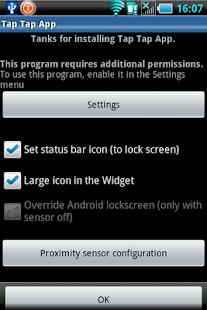
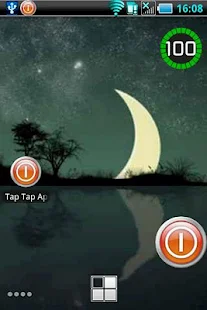
2. tap tap app
Lock and unlock the screen with a double tap the proximity sensor.
And widget, locks your phone with one click.
Reduces use of the power button
Reduces use of the power button
but personally i suggest u to practice with the proximity sensor...some users have problem with that...
3. SPoB
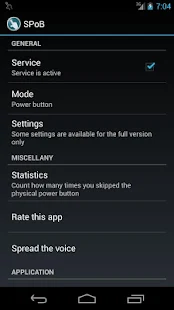 this apps locks and unlocks ur screen while simply moving ur finger over the proximity sensor...
note that this app will require light sensor to work !!
4. shake
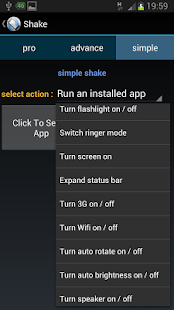
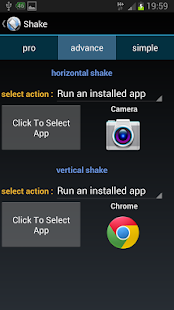
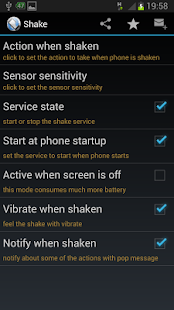
app works when u shake ur phone as it's name suggests..
this app is better than others which are working on the same basic principle of shaking because it provides various actions when the phone is shaken.
5. anyunlock
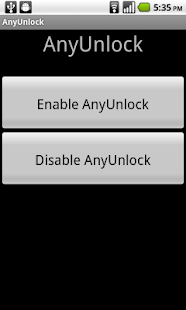
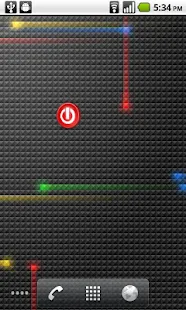
this app uses any key to unlock screen in place of power button.
it has simple lock screen after .. so it can prevent the mistap. u have to press back button to get to your home screen. i don't know this app provides facility to prevent the lock screen appearing after pressing any button.
because some users finds it annoying !!
fix power button has that option to prevent the lock screen appearing.
6. flip unlock
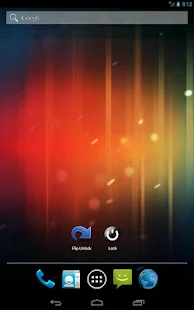
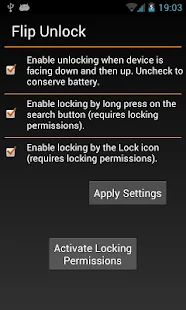
this app let you unlock screen by flipping your phone.(flipping - holding it face down and then face up)
it provides icon to lock screen.
7. wave to unlock.
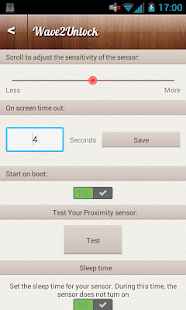
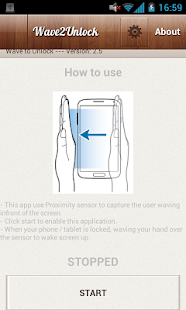
Unlock the screen by waving hand over proximity Sensor
- Lock the screen by cover hand over proximity Sensor for few seconds
- You can use smart cover to automatic turn on / off screen
- Lock the screen by cover hand over proximity Sensor for few seconds
- You can use smart cover to automatic turn on / off screen

No comments:
Post a Comment